AviaMasters 2

by BGaming
97%
RTP
4
Boosters
2026
Release
Real Money
AviaMasters 2 slot game

The demo runs on virtual FUN currency. No card details, no deposits, no hidden catches. You click Play and you're in.

This is the identical game build—version 1.0.0, certified RNG, released February 2026. Not a simplified demo, not rigged odds. The same plane physics, the same booster effects, the same multiplier mechanics you'd get playing for real money. BGaming certified the random number generator before release, so what you see here is what you get.

No registration wall. No spin limits or countdown timers. You can test the speed controls (tortoise to lightning), learn how the Safe Landing bonus works, figure out the difference between plain numbers and x-multipliers without risking a penny.

When you're ready to play for real, you'll know exactly what you're doing.

Buying insurance in a crash game sounds like admitting defeat before you've started, but AviaMasters 2 turns it into genuine strategy. BGaming's sequel to last year's original adds a buyable Safe Landing feature that lets your biplane survive one water crash—which changes the mental calculus when you're watching multipliers climb and rockets swarm. The other big addition here is four Mario Kart-style boosters (magnets, laser guns, nitro boosts, lifebuoys) that you collect mid-flight, turning what's usually pure nerve-testing into something with actual gameplay decisions. It's still fundamentally a crash game where you're deciding when to cash out, but these layers make it less about pure timing reflexes and more about managing resources. Whether that makes it better than the Aviator-style purity of the original depends entirely on whether you want your crash games simple or layered.

How To Play

Before you launch your first flight, set your bet using the arrows next to TOTAL BET in the bottom-right corner. Click the arrows to open a dropdown with 16 preset values ranging from 5.00 to 12,500.00 FUN. Your selected bet appears both in the bottom bar and floating above the plane on the runway.

Next, choose your flight speed using the four icons in the status bar: tortoise (slowest), walking person (medium-slow), running hare (fast), or lightning bolt (maximum speed). You can change speed mid-flight if you want to speed up or slow down the action—just click a different icon whilst the plane's airborne.

Launching and Flying

Hit the large circular Play button on the right side of the screen—it's the one with the white triangle inside. The plane takes off immediately, and you'll see the multiplier counter in the status bar start climbing as it collects numbers and multipliers. The current potential win updates above the aircraft in bright orange-yellow.

During flight, you can watch three key metrics in the status bar: altitude, distance, and your current multiplier (highlighted in bright turquoise-green). The round continues until the plane either lands safely back on the island (you win) or crashes into the water (you lose).

Safe Landing Bonus

Before any round, you can purchase the Safe Landing bonus by clicking ACTIVATE BONUS in the status bar. This opens a popup where you set the bonus bet (separate from your base bet) and pay the displayed cost. When active, the plane gets water skis—if it touches the water, it skids safely instead of crashing, giving you a second chance.

Autoplay and Customization

Click the Auto (A+) button in the status bar to configure autoplay. You can select from 10 to 1,000 rounds (or unlimited) and set stop conditions: on any win, if a single win exceeds a threshold, or if your balance changes by a set amount.

The Play button itself is movable—drag it anywhere on screen. Open Settings via the hamburger menu (three lines, top-right) to adjust the button's size and opacity, plus sound levels. This is particularly handy if you want the button out of the way whilst watching the flight path.

Bonuses & Symbols

AviaMasters 2 isn't a traditional slot—there are no reels or paylines. Instead, you're piloting a red biplane that takes off from a runway and flies across the sky, collecting items along the way. Your win depends on what you collect during the flight and whether you land safely.

What You Collect During Flight

As the plane flies, glowing items appear across the screen. Each one affects your multiplier differently, and you need to recognise them quickly.

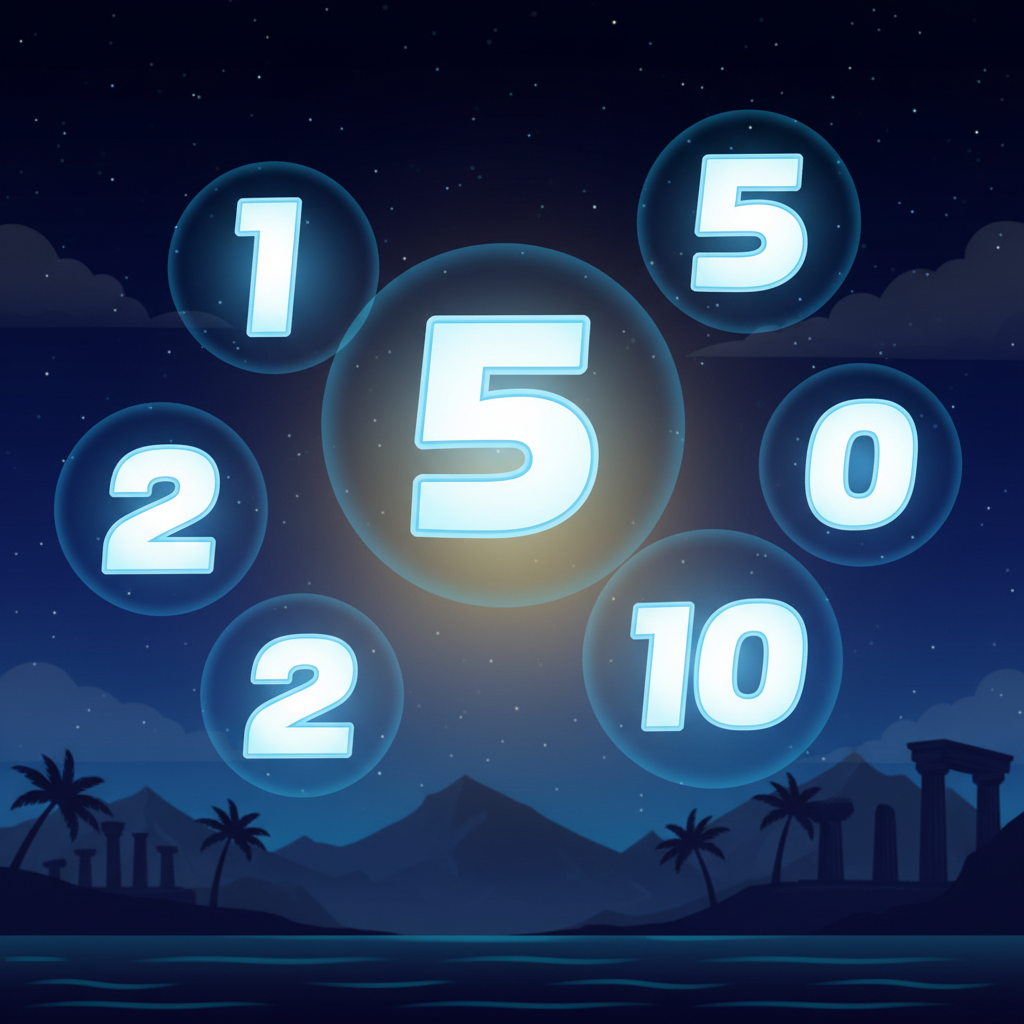
Plain number collectibles showing glowing white digits with blue halos

Plain Numbers (1, 2, 5, 10)

These are bright white glowing digits with a blue halo around them—no other symbol in front. You'll see them scattered across the flight path in different sizes. When you collect one, that number adds to your current multiplier. So if you're at x10.0 and collect a 5, you go to x15.0.

Multiplier collectibles with x symbol before digits, glowing blue-white

Multipliers (x2, x3, x4, x5)

Same glowing blue-white style as plain numbers, but these always have a small x symbol before the digit. That x is your signal—when you collect these, they multiply your current multiplier. Collect an x3 when you're at x10.0, and you jump to x30.0.

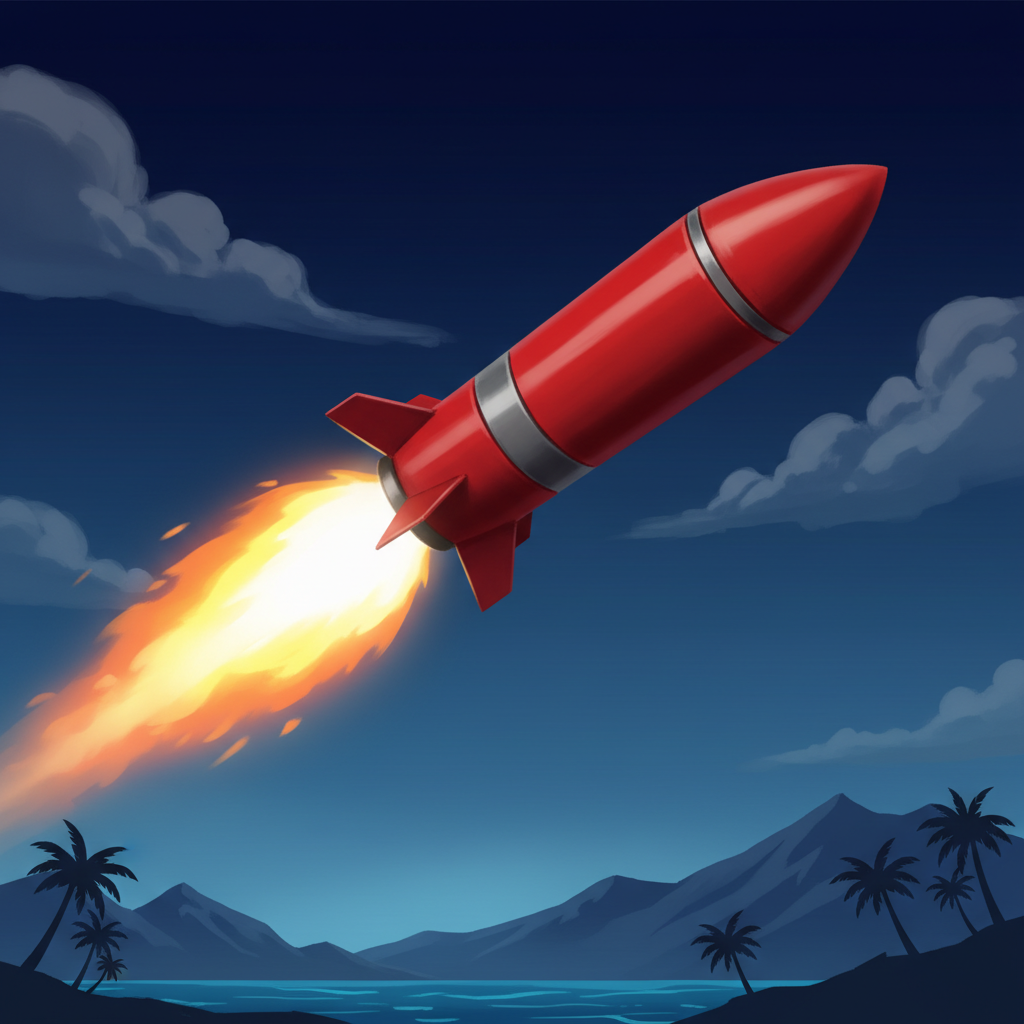
Red cylindrical missile with bright yellow-white flame trail

Rockets (obstacles)

Red cylindrical missiles that fly horizontally across the screen, always with a bright yellow-white flame trail at one end. These are bad news. Hit one and your multiplier gets cut in half. At x20.0? A rocket drops you to x10.0.

The plane starts every flight at x1.0. Everything you collect changes that number, and whatever multiplier you end with gets applied to your bet—but only if you land safely.

Boosters

Four types of boosters can appear during flight. Each is a small floating icon you can collect by flying through it.

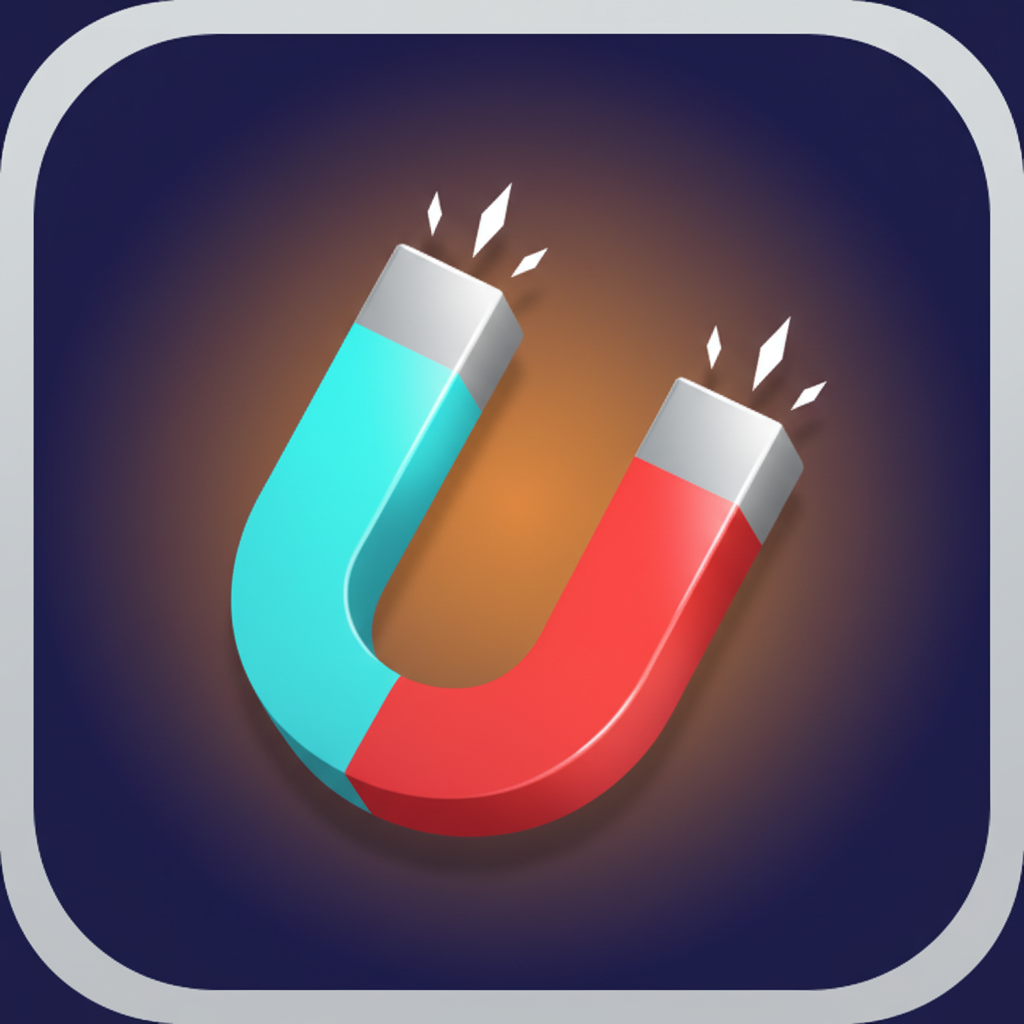
Horseshoe-shaped magnet with turquoise and red arms, white sparkles

Magnet

A horseshoe-shaped pickup with one light turquoise arm, one bright red arm, and silvery grey connecting the two. Small white sparkles shoot from both ends. When you collect it, items are pulled toward your plane automatically, making collection easier.

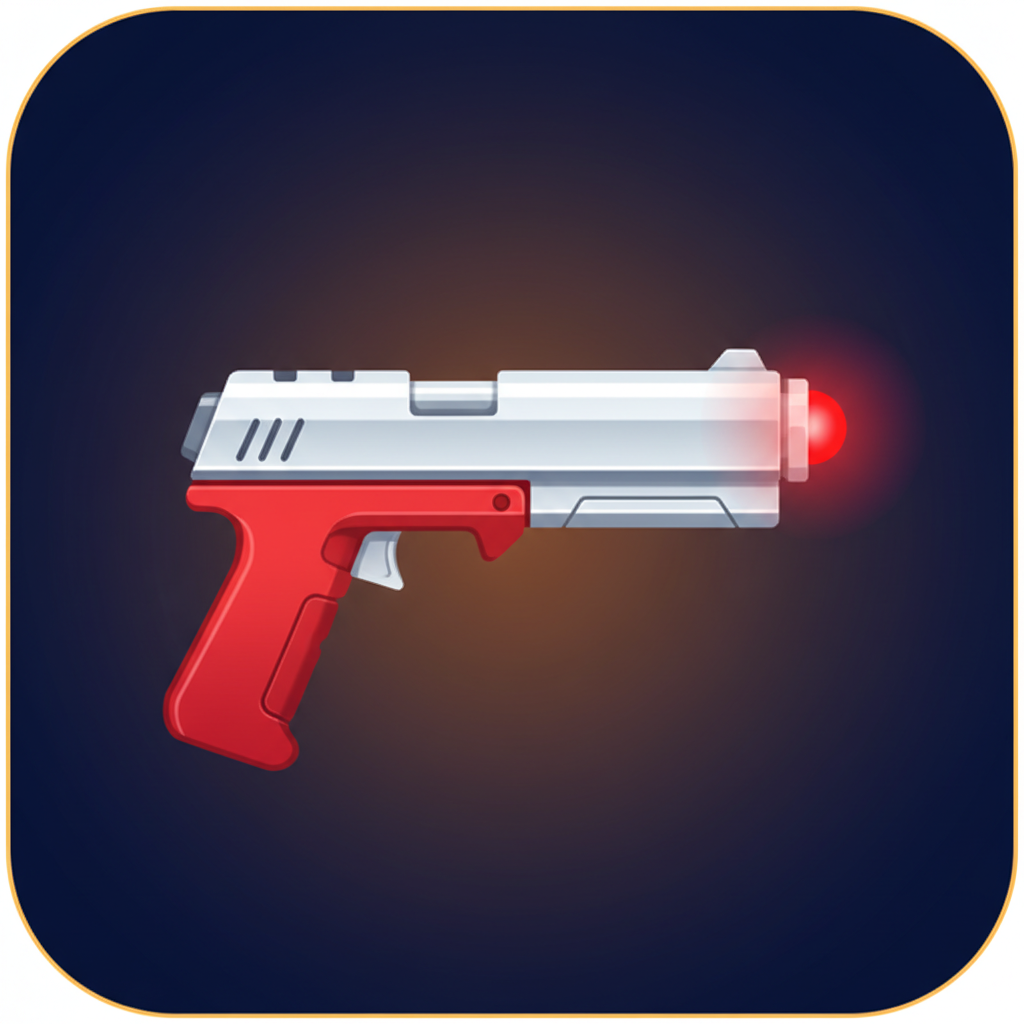
Compact futuristic pistol with silvery white barrel and red grip

Laser Gun

A compact futuristic pistol shape—silvery white barrel pointing right, red grip below, and a glowing red dot at the muzzle. This weapon destroys rockets in your path.

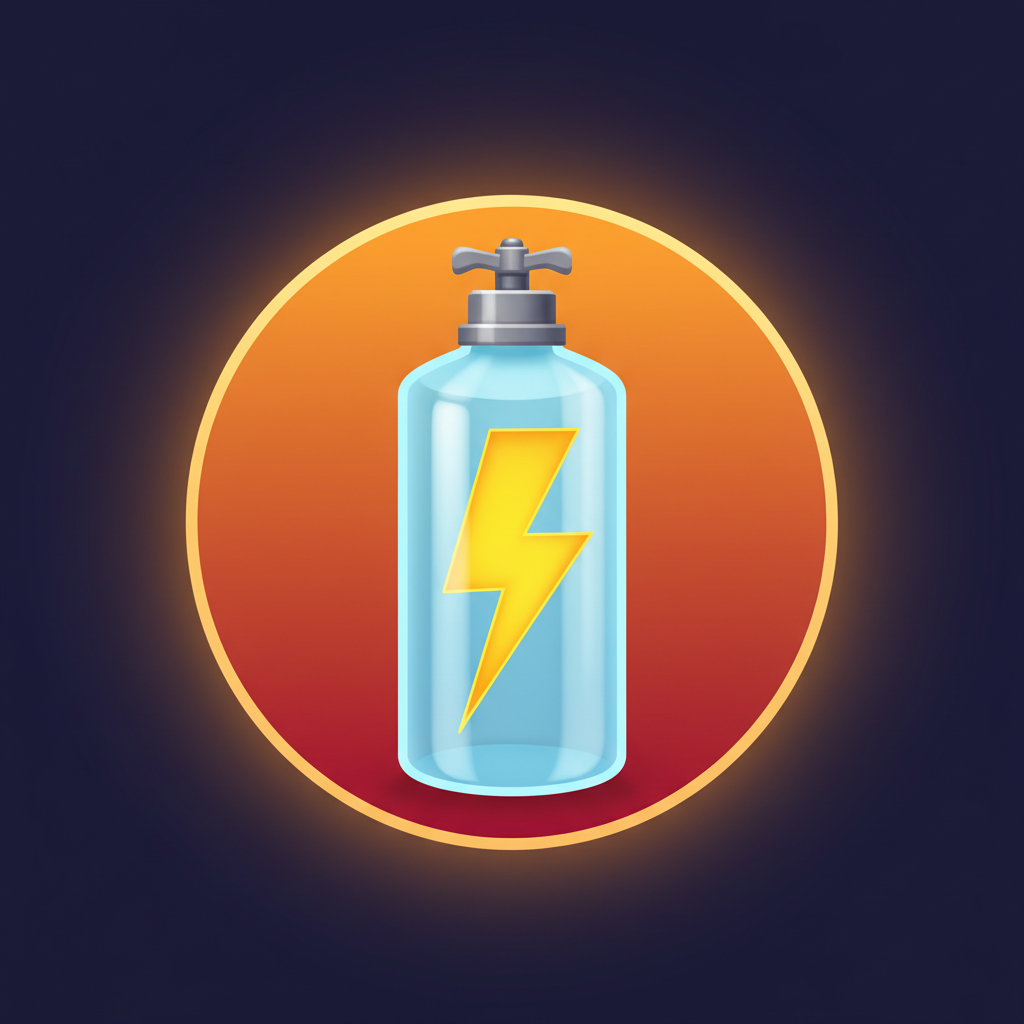
Transparent blue cylinder with yellow lightning bolt inside and grey valve on top

Nitro Canister

A vertical transparent light blue cylinder with a bright yellow lightning bolt zigzagging inside, grey valve on top. Looks like a glass bottle. When triggered, your plane makes a sudden leap forward, passing straight through any rockets in the way without taking damage.

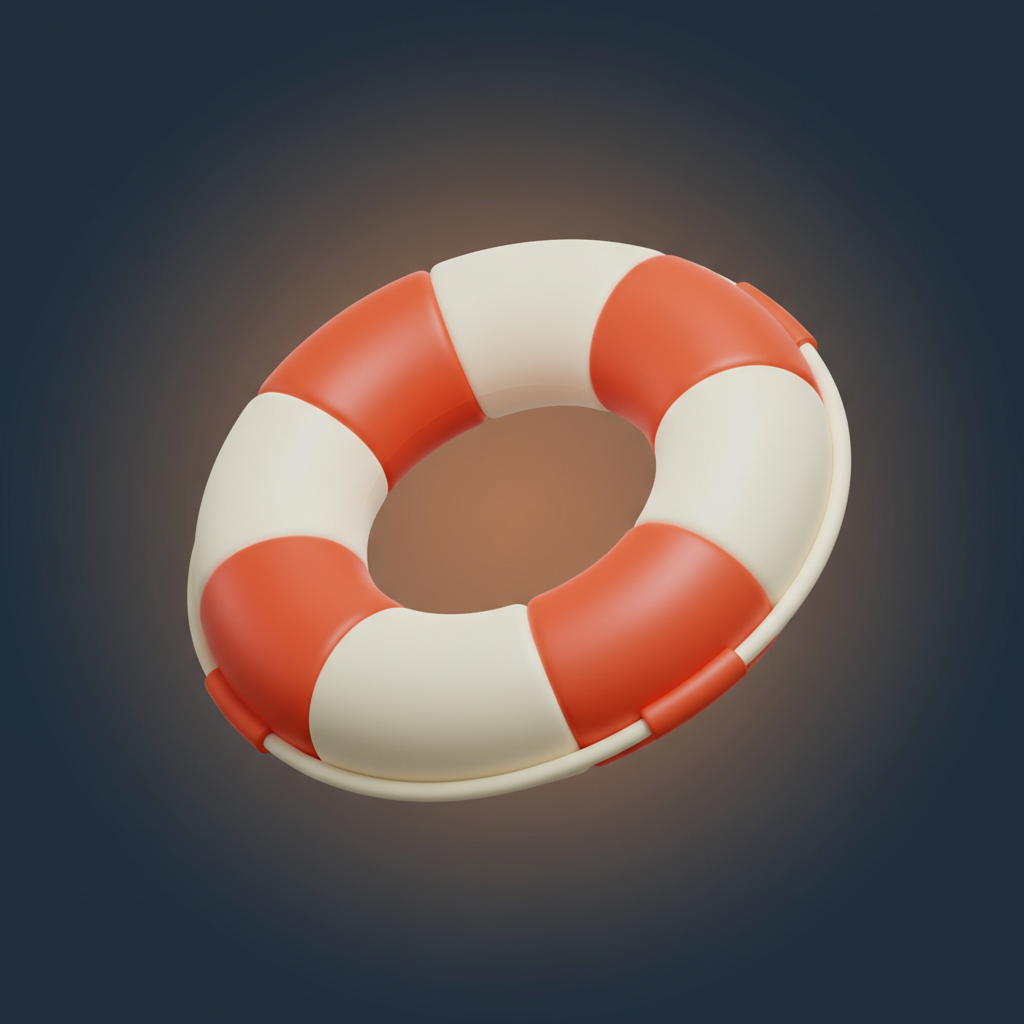
Ring-shaped lifebuoy with alternating white and red-orange segments

Lifebuoy

A ring shape like a swimming aid, with four segments alternating between creamy white and bright red-orange. When you collect this, you get a second life—if the plane touches the water, it survives once instead of crashing.

Safe Landing Bonus

This is the game's main feature, and you'll see it referred to as "Water Skis" in the rules.

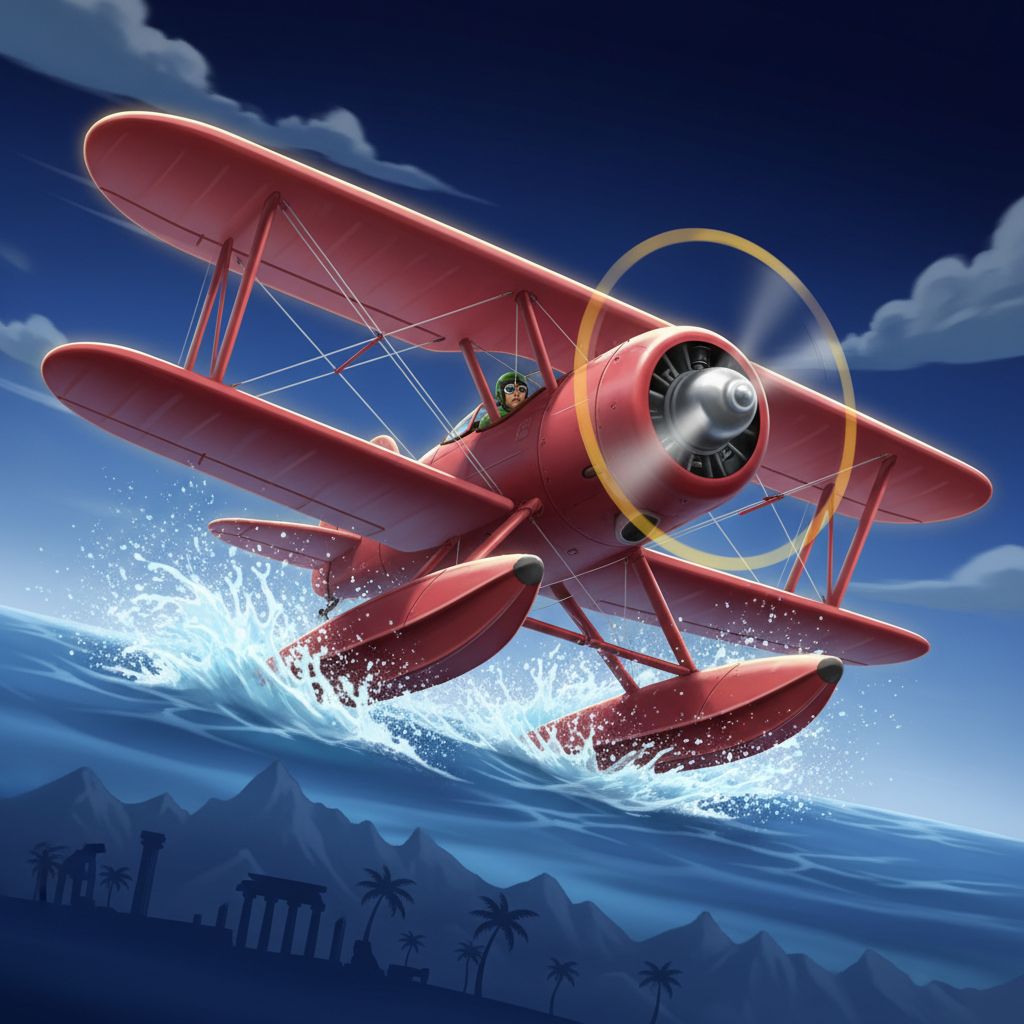
Red biplane with pontoon water skis attached under wings

Before the plane takes off, you can activate this bonus by clicking the ACTIVATE BONUS button in the status bar (it shows a yellow swimming figure icon). The cost is 50 times your current bet. So at a 2.00 FUN bet, it costs 100.00 FUN.

When active, two things change:

  • Red pontoons (water skis) appear under the plane's wings
  • The button background turns bright magenta-pink and reads BONUS ACTIVE

With this bonus on, your plane can land on the water surface once without losing. The plane settles onto its pontoons instead of crashing, and you still collect your win based on the multiplier you've built. Without this bonus, touching water means instant loss.

Win Conditions

The flight continues until one of two things happens:

You land on the island — Win

Your final multiplier multiplies your bet. If you reached x38.0 on a 2.00 FUN bet, that's 76.00 FUN.

You fall into the water — Lose your bet

Unless the Safe Landing bonus is active, in which case you survive and win.

The game rounds your profit: if winnings exceed the bet, it rounds up to the nearest whole number. If winnings fall short of the bet, it rounds down.

You can adjust flight speed using four icons in the status bar: a tortoise (slowest), a walking person, a running hare, or a lightning bolt (fastest). Speed affects how quickly the plane moves and how much reaction time you have to dodge rockets.

Pilot Your Own Fate

Pros

  • You control the plane directly → active dodging and collecting beats passive slot watching
  • 97% RTP exceptional for crash games → unusually player-friendly math for the genre
  • Four boosters with meaningful effects → Nitro bounds through rockets, Lifebuoy grants second life after water crash
  • Speed controls adapt to your style → tortoise crawl for careful play, lightning bolt for thrill-seekers
  • UI customization rarely seen → resize, reposition, and adjust opacity of the spin button to your preference
  • Safe Landing feature available in UK → buy crash protection without regulatory restrictions

Cons

  • Not a traditional slot → if you want reels and symbols, this isn't it
  • Skill requirement adds pressure → your timing determines wins, losses feel more personal
  • Safe Landing costs 50x your bet → £5 stake means £250 for crash protection
  • Rockets halve your multiplier → one hit undoes multiple collected numbers
  • Steeper learning curve than slots → three tutorial screens needed before you start

Apps & Platforms

HTML5 Instant Browser Play

AviaMasters 2 runs as an HTML5 game directly in your web browser on any device—desktop, tablet, or mobile. There's no need to download any software or apps. The game interface automatically adapts to your screen size, working in landscape orientation on mobile devices for optimal visibility of the flight path and controls. Simply open the game through your browser and it launches immediately, whether you're on Windows, Mac, Android, or iOS.

Compatible with:
Windows Mac Android iOS