How To Play
Before you launch your first flight, set your bet using the arrows next to TOTAL BET in the bottom-right corner. Click the arrows to open a dropdown with 16 preset values ranging from 5.00 to 12,500.00 FUN. Your selected bet appears both in the bottom bar and floating above the plane on the runway.
Next, choose your flight speed using the four icons in the status bar: tortoise (slowest), walking person (medium-slow), running hare (fast), or lightning bolt (maximum speed). You can change speed mid-flight if you want to speed up or slow down the action—just click a different icon whilst the plane's airborne.
Launching and Flying
Hit the large circular Play button on the right side of the screen—it's the one with the white triangle inside. The plane takes off immediately, and you'll see the multiplier counter in the status bar start climbing as it collects numbers and multipliers. The current potential win updates above the aircraft in bright orange-yellow.
During flight, you can watch three key metrics in the status bar: altitude, distance, and your current multiplier (highlighted in bright turquoise-green). The round continues until the plane either lands safely back on the island (you win) or crashes into the water (you lose).
Safe Landing Bonus
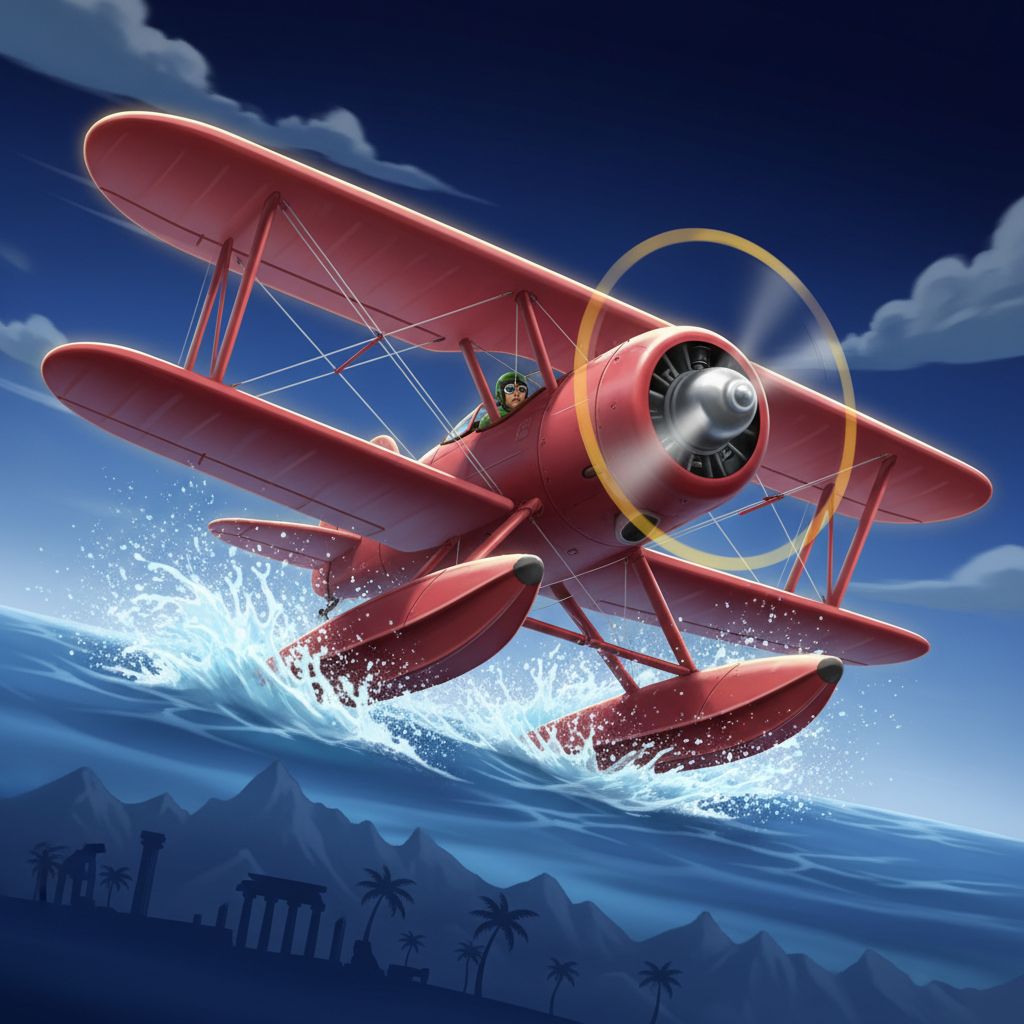
Before any round, you can purchase the Safe Landing bonus by clicking ACTIVATE BONUS in the status bar. This opens a popup where you set the bonus bet (separate from your base bet) and pay the displayed cost. When active, the plane gets water skis—if it touches the water, it skids safely instead of crashing, giving you a second chance.
Autoplay and Customization
Click the Auto (A+) button in the status bar to configure autoplay. You can select from 10 to 1,000 rounds (or unlimited) and set stop conditions: on any win, if a single win exceeds a threshold, or if your balance changes by a set amount.
The Play button itself is movable—drag it anywhere on screen. Open Settings via the hamburger menu (three lines, top-right) to adjust the button's size and opacity, plus sound levels. This is particularly handy if you want the button out of the way whilst watching the flight path.